
Master Your Operations with the Workflow Automator Tool
If you are a small business owner or a corporate professional looking to save time, you know that standardizing repetitive tasks is the key to scaling your operations. The Workflow Automator Tool is designed to do exactly that: convert complex operational tasks into structured, high-performing AI prompts.
By following a guided 4-step wizard, you can build a custom prompt that handles the heavy lifting for your documentation and output needs. Let's walk through how to set it up.
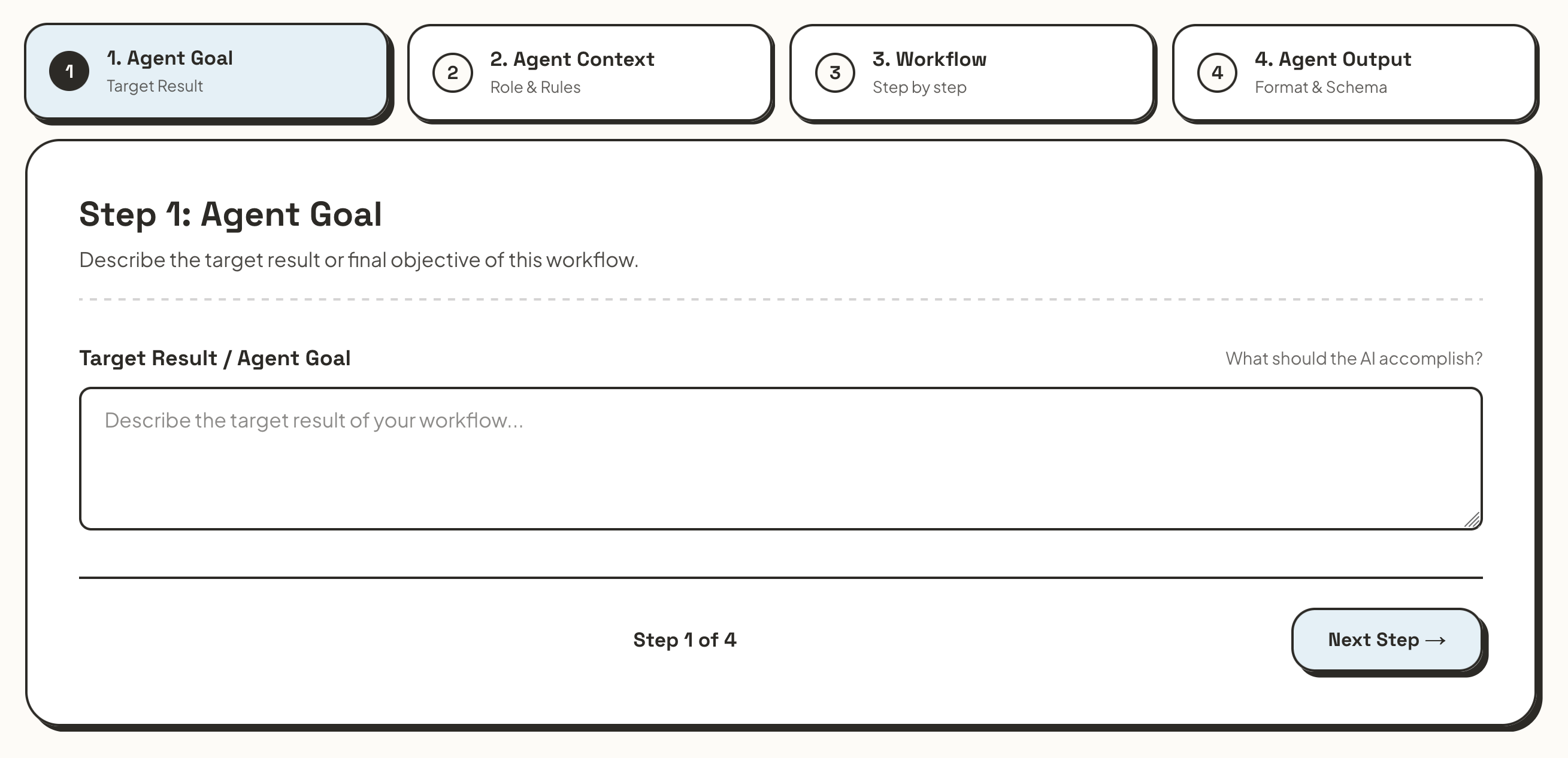
Step 1: Define Your Goal
What exactly are you trying to achieve? The first step is to input your workflow goal. The better you describe this objective and define what a successful outcome looks like, the better the AI will understand its core mission.
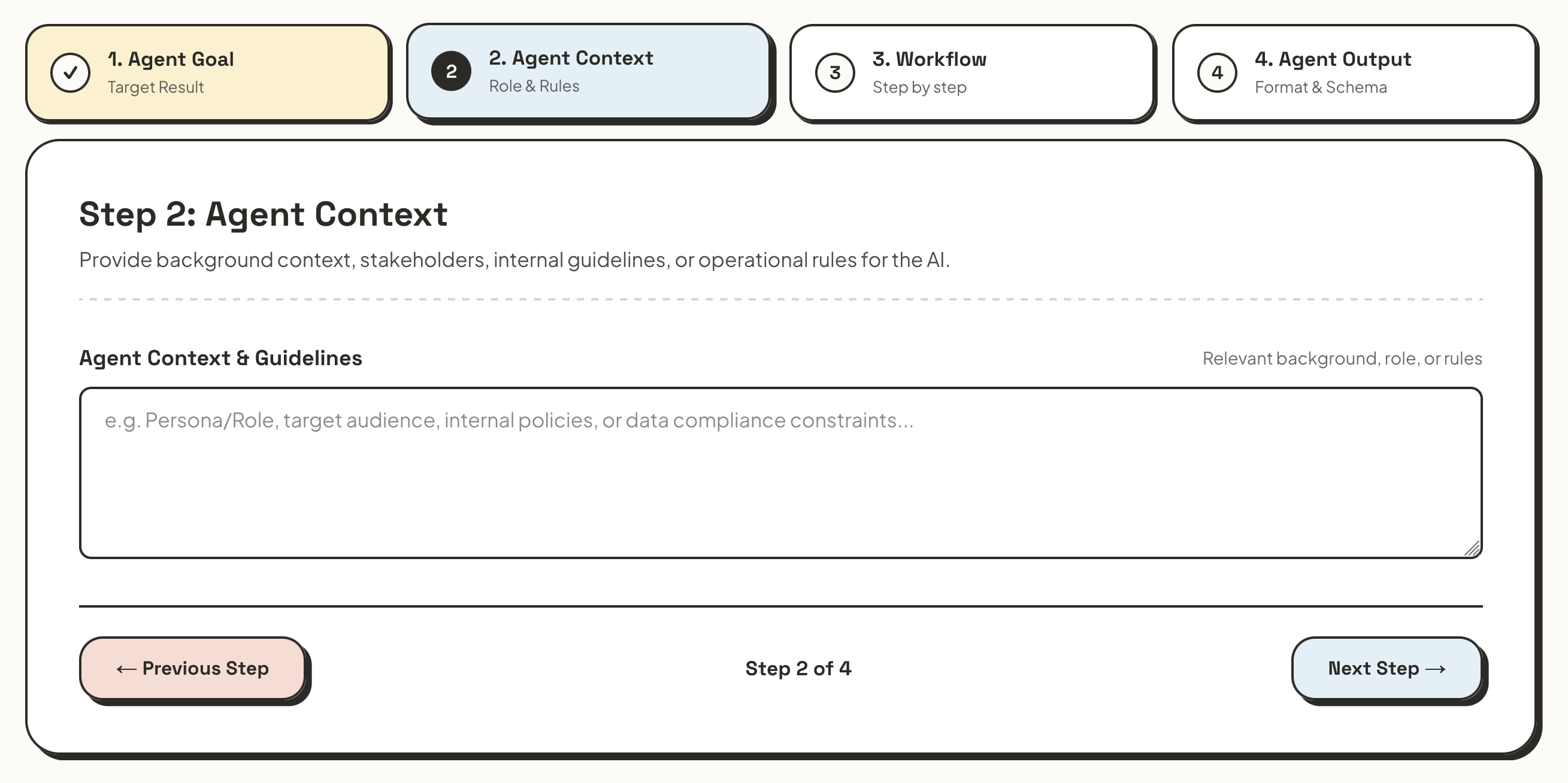
Step 2: Provide the Context
Next, you will input any relevant context. Who are the stakeholders? Who is the target group? What background information is vital for the AI to understand the objective and its finer details? Providing rich context ensures the AI's output hits the right tone and addresses the right concerns for your business.
Step 3: Map out the Workflow
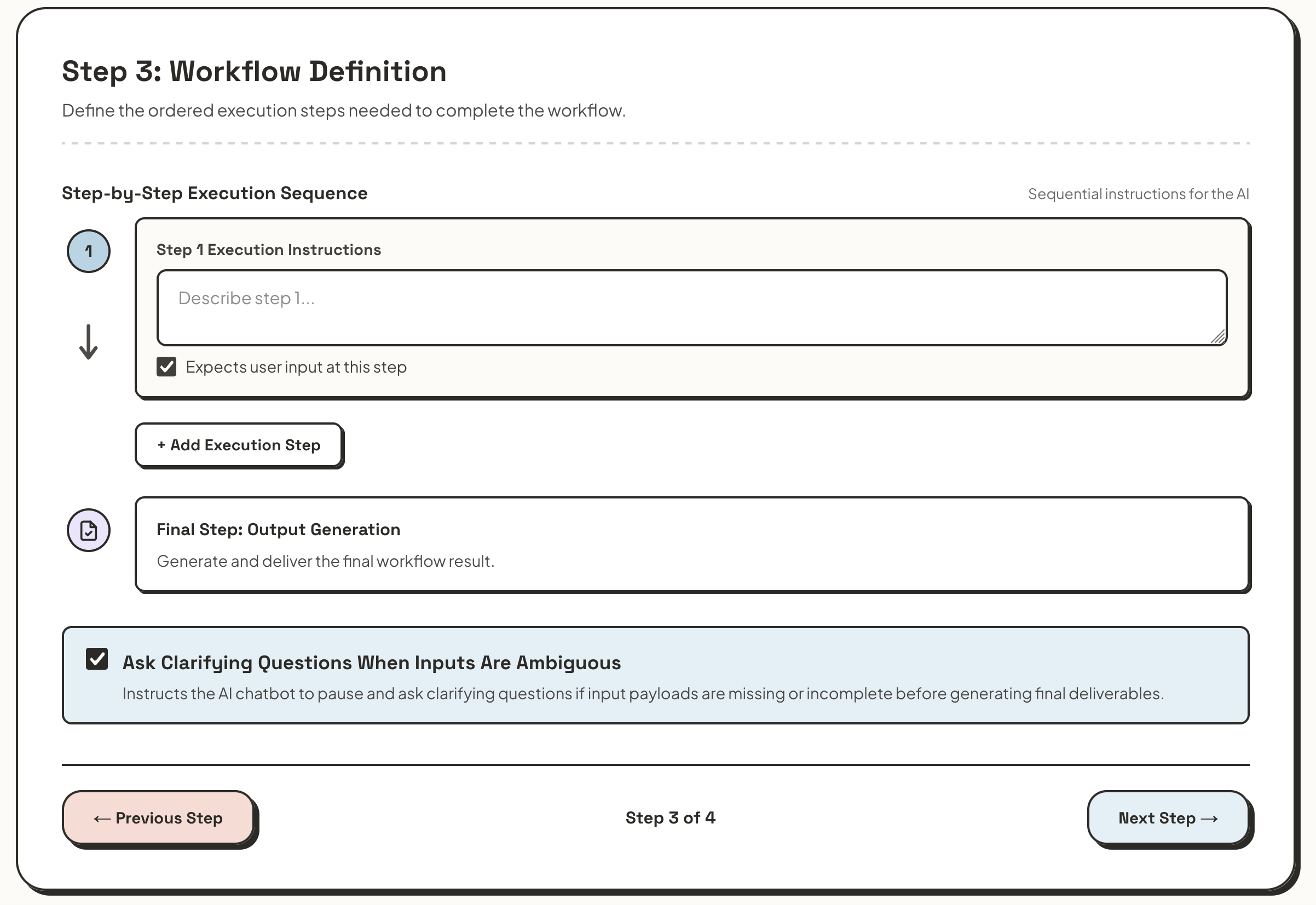
This is where the magic happens. What information is unique to this specific workflow? What steps are required to complete the task, and what input files or texts need to be collected by the AI?
You can build out your process easily by clicking the "Add execution step" button. On this same page, you also have the option to allow the AI to ask clarifying questions if any of your future inputs are unclear—a highly recommended safety net for complex operational tasks.
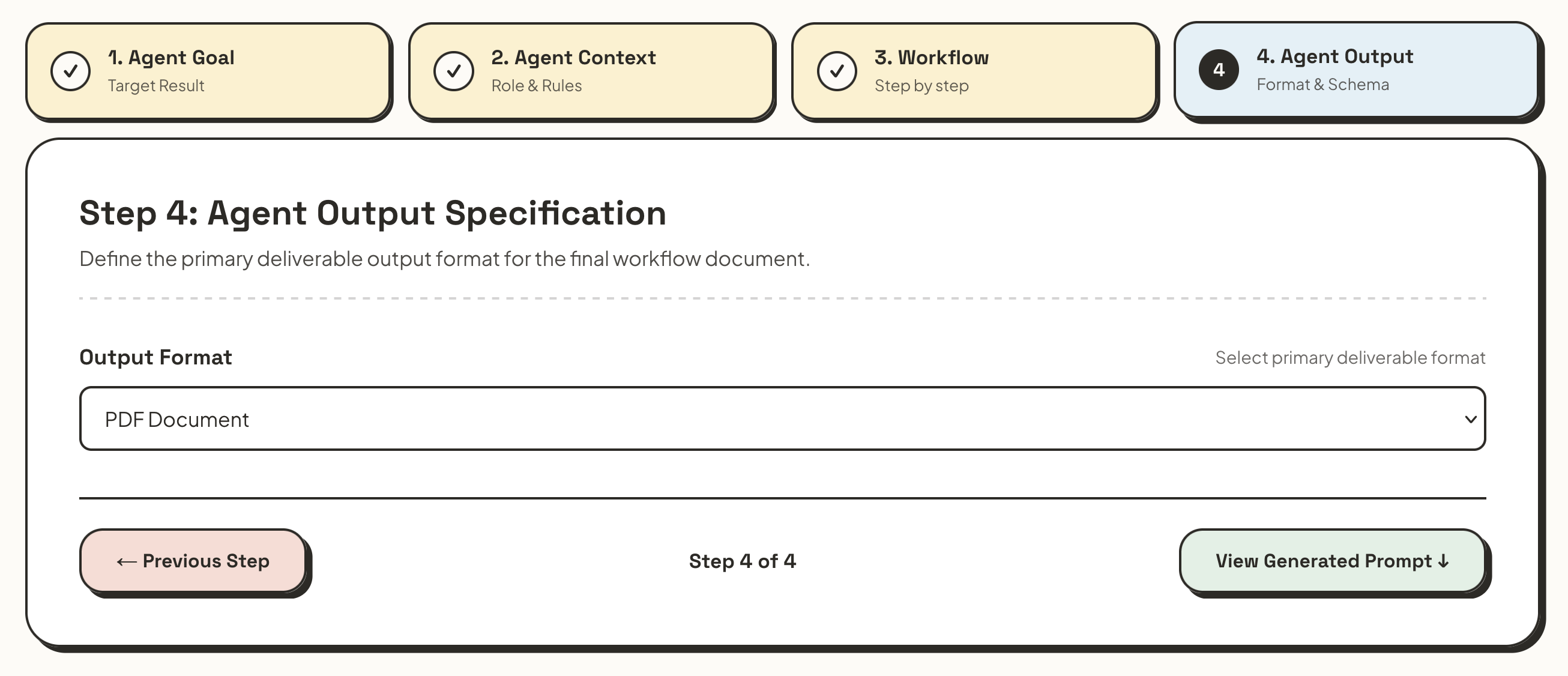
Step 4: Select Your Output Format
Finally, tell the tool how you want your results delivered. You can choose from a downloadable PDF, Formatted Text, or Plain Text. Pick the format that fits most seamlessly into your existing workflows.
Tips & Tricks for the Best Results:
- Be Detailed: Clearly define your goal and the context. The better the AI knows the ins and outs of your workflow, the better it gets at executing it.
- Iterate and Improve: Do not be afraid to tweak your prompt over time. Often, you will realize small details that could improve the AI's performance only after using it a few times in a real-world setting.
- Get Creative with Steps: The AI is highly flexible in understanding what you want. A step could be as straightforward as "get the last invoice" or as collaborative as "evaluate a good presentation structure and check back with me before proceeding."
Ready to streamline your daily operations? Open the Workflow Automator Tool now and build your first custom prompt to see how much time you can save today.